
Carling-Type Marine Dual USB Charging Port - 12-24V Input, 5V 3.1A Output RWB5843
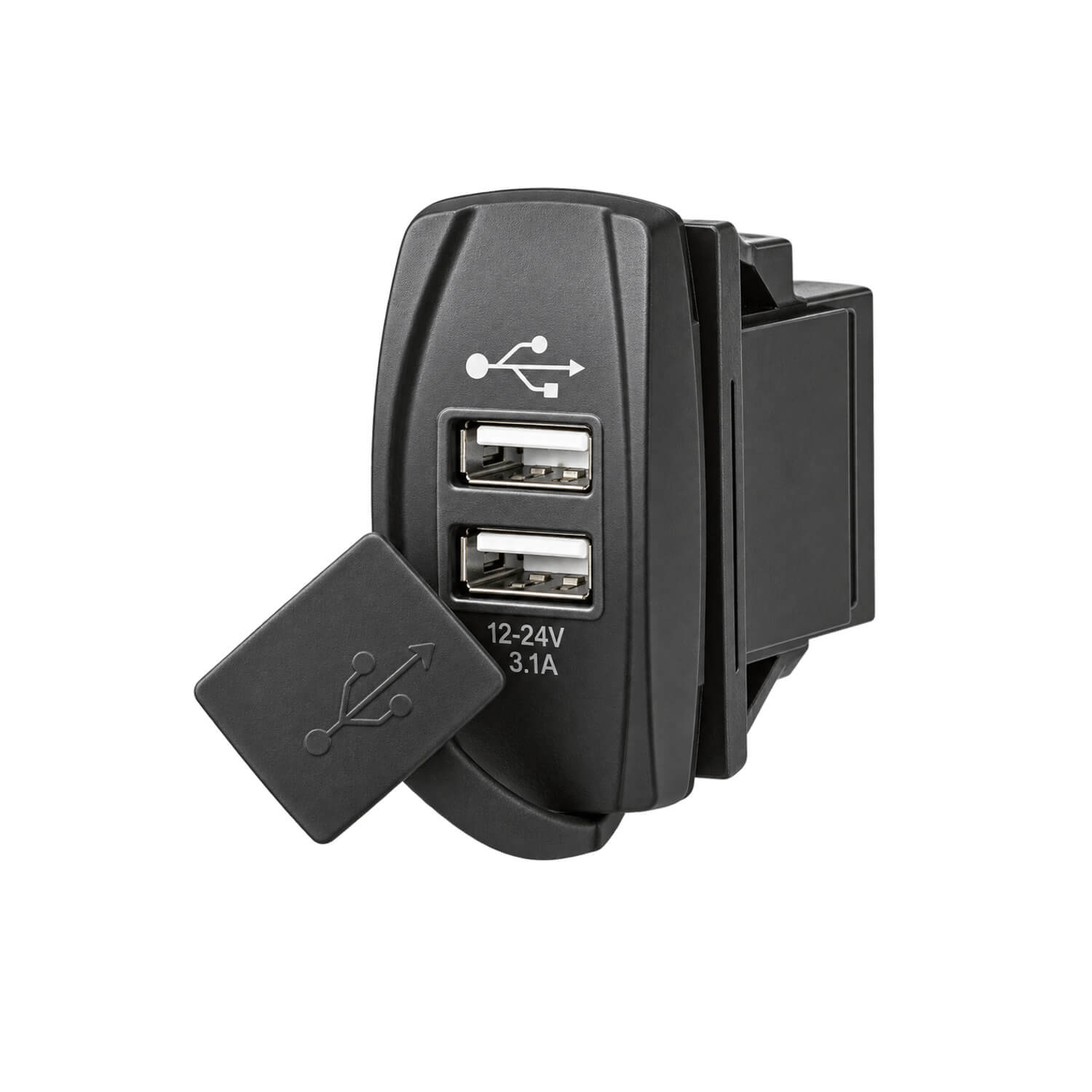

Dual USB charging port compatible with Carling-type and dash-mounted switch panels.
- Input: 12-24V
- Output: 5V, 3.1A
This charging port is a useful option when a USB supply is wanted within a Carling-type or dash-mounted switch-panel layout. It brings two USB connections into the panel rather than requiring a removable charger at a separate accessory socket. A helm or cabin control area can then provide a defined charging position for compatible devices.
Before selecting it for an existing panel, compare the available opening and rear clearance with the fitting requirements. Check that the position leaves room for USB plugs and cable bends without obstructing nearby switches. Panel compatibility should be assessed against the actual installation, particularly if an older dash has been modified or fitted with mixed switch styles.
The input range allows use on suitable 12V or 24V systems, with the stated 5V USB output available for compatible devices. Consider the output rating when planning simultaneous charging, and select device cables that are sound and suitable for their connections. Providing a secure resting place for the devices helps prevent strain on the ports while underway.
As general installation guidance, isolate the supply before making connections and follow the product wiring instructions. Confirm polarity, use appropriate circuit protection and support the rear wiring so the terminals are not loaded by cable movement. Keep the connection accessible for later inspection and label the circuit clearly if the panel contains several similar accessories.
Once installed, check that both charging connections can be used without interfering with helm operation. Route cables clear of steering and throttle controls and remove them when they are no longer needed. During regular maintenance, inspect the ports, connected leads and rear terminals for dirt, damage or loosening, especially where the charging point receives frequent use.
If replacing an unused panel position, check access for future switch servicing as well as the immediate USB cable route.